Listen to radio on any device — car, phone, tablet & computer
Radio used to live in one box in one room. Now the same station can follow you from the kitchen to the car to your desk — no app to install, no account to sign into on each device. Here's how to listen on every screen you own, and how to move what's playing from one to another in seconds.
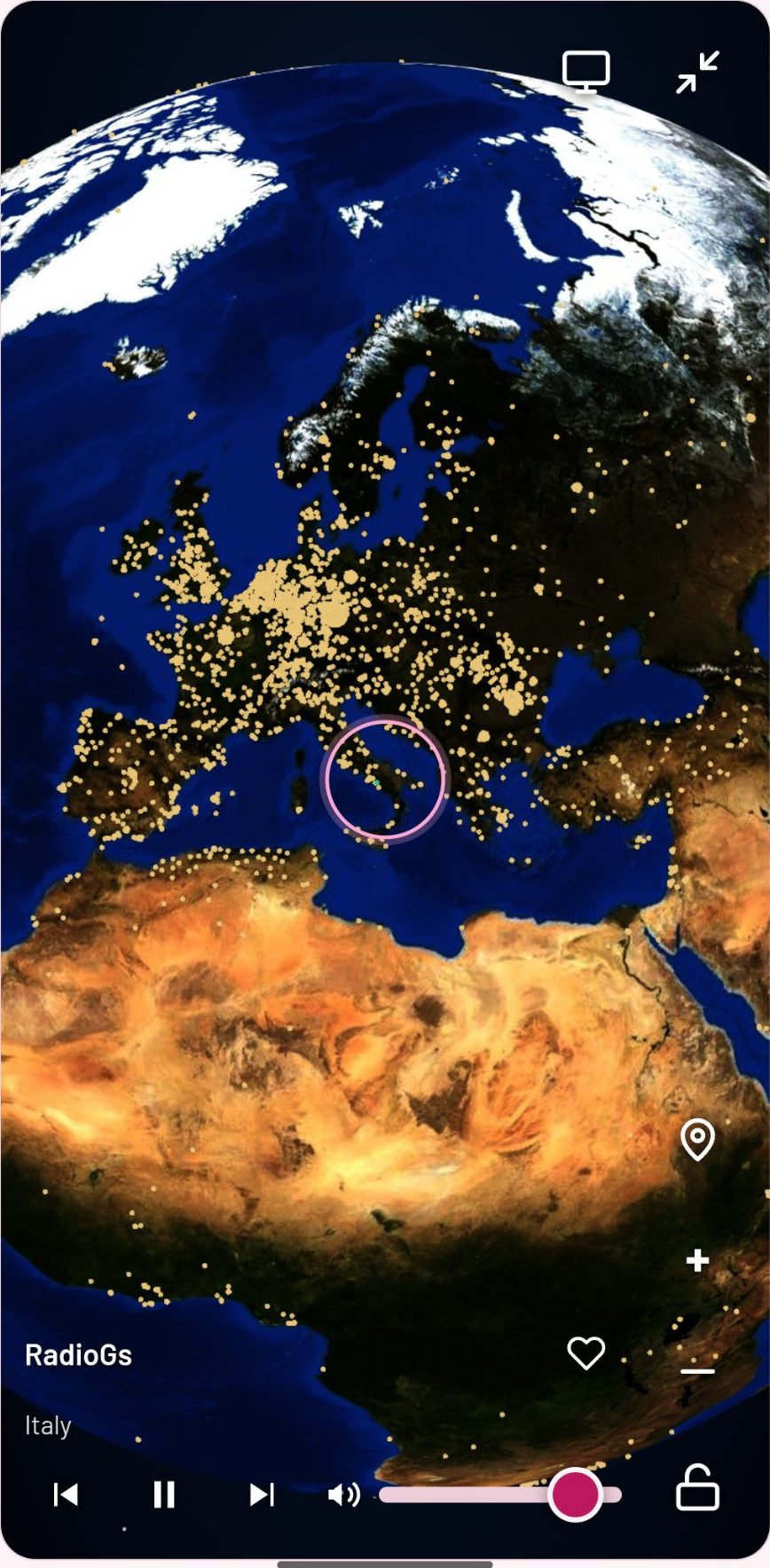
JSM Radio is a website, not an app, so it runs anywhere a browser runs. The station list is the same on every device: more than 30,000 live stations plus on-demand tracks, free, with no account. You don't sync anything — you just open the same site.
On your phone
Open jsm-radio.com in your phone's browser and press play. Playback keeps going when you lock the screen or switch apps (keep Chrome open), and the lock-screen controls — previous, play, next — are right there. Search by station, genre, or language, spin the globe to find a station by place, or tap Just play something and let the top-voted stations play. Your last 12 stations stay in Recently Played, and your six presets are one tap away.
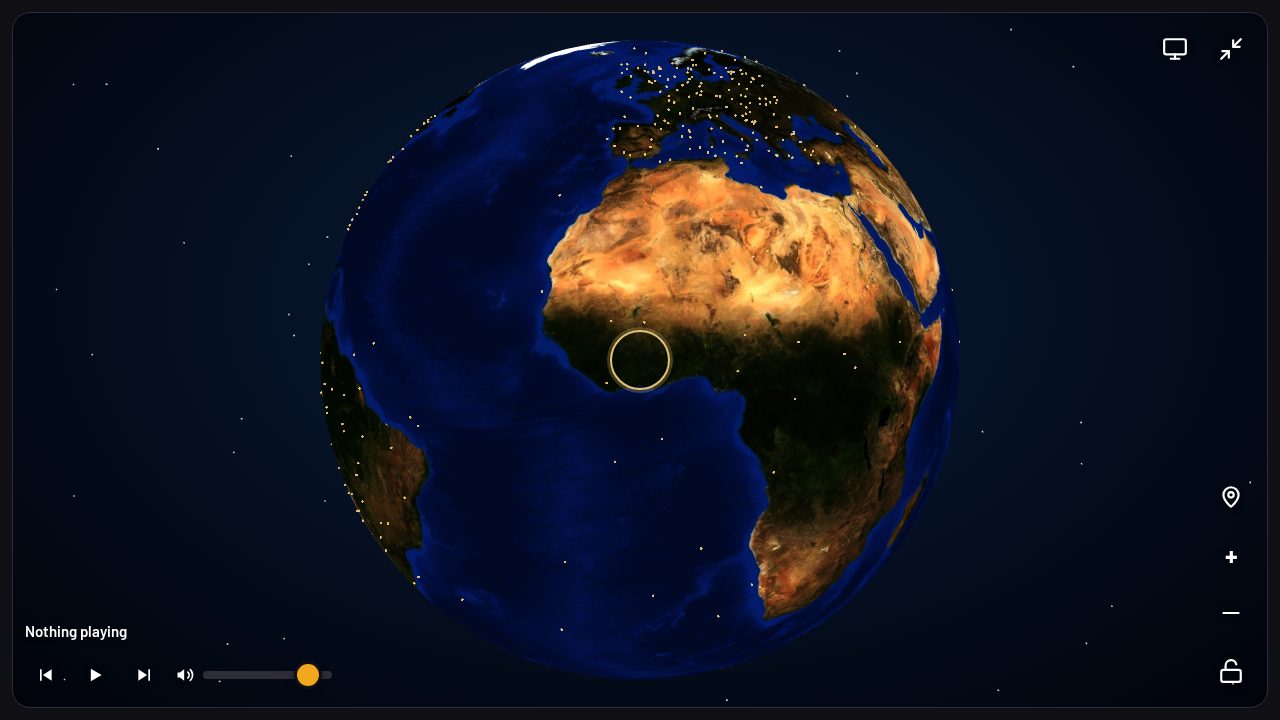
On your tablet and computer
The same player, bigger screen. The globe is the star here: drag to spin the world, zoom into a country, and tap a dot to hear a station from that exact city. The full station list, search, and presets all work the same way as on the phone — nothing to install, nothing to sign into.
In the car
Two routes, both free: open the site in the car browser while parked, press play, and drive — or play it on your phone and send the sound to the car speakers over Bluetooth. The car guides cover each brand in detail, and the general guide covers the parked-only rule that applies to almost every car browser.
Moving what's playing to another device
Starting a station on your phone and finishing it in the car is the whole point — and there's no account to make it happen. Two ways:
Send it with a 6-letter code
On the device that's playing, open the Menu and tap Generate code under “Send what's playing”. Enter the code on the other device and the same station starts playing there — along with your theme, so the other screen looks like yours. The code works for a day.
Share a link
Every station and track has a share link. Open it on any device and the player offers the same station with one tap. Links work the same way for tracks and stations.
Presets and playlists move the same way, with their own code: the receiving device can merge them into its own presets or replace them entirely. Your listening history stays on each device — nothing about what you play is sent anywhere.
One station, every screen — the short version
- Phone: lock-screen controls, keeps playing while you switch apps.
- Tablet & computer: the full globe and the full station list.
- Car: car browser while parked, or Bluetooth from your phone.
- Between devices: a 6-letter code or a share link — no account, no sync, no install.
Frequently asked questions
Do I need to install anything on any device?
No. The player is a website — open jsm-radio.com in any browser and press play. There is no app to install on any device.
Does it sync between devices?
There is no account, so there is no sync. Instead, a 6-letter code or a share link moves exactly what's playing — and your theme — to another device in seconds. Presets and playlists move by their own code, with merge or replace.
Does it keep playing when I lock my phone?
Yes, with Chrome open — playback continues through the lock screen and app switching, with controls on the lock screen. If Chrome is closed, playback stops.
Can I listen on my TV?
If your TV has a web browser, open jsm-radio.com in it — the player works like on a computer. A Chromecast or similar stick with a browser works the same way.
Open JSM Radio — free, no account, no ads30,000+ live stations and on-demand tracks, on any screen.